
eRacks Systems Tech Blog
Open Source Experts Since 1999
We Benchmarked a Dual Intel Arc Pro B70 AI Server: Real Numbers, Real Gotchas
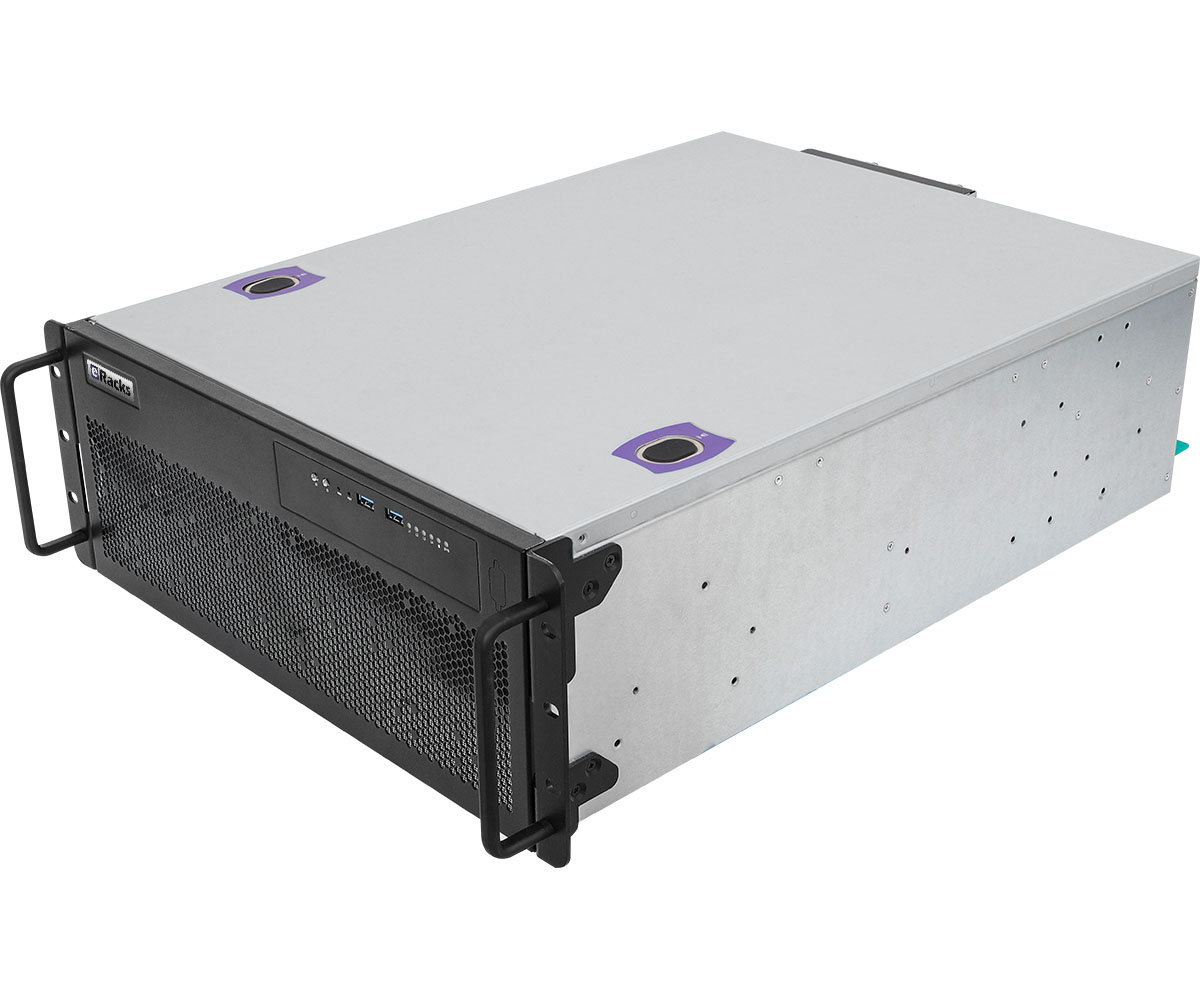
This week we ran a dual Intel Arc Pro B70 server through our full AI provisioning pass: burn-in, GPU bring-up, model deployment, and benchmarks. Not a spec-sheet estimate, not a vendor slide: a production machine on our bench, running the models our customers actually ask for. Here are the numbers, and the three undocumented problems we had to solve to get them.
The numbers
Serving stack: llama.cpp’s official Intel build (SYCL, Intel’s open GPU compute layer), running rootless under Podman (containers with no root daemon), exposing the standard OpenAI-compatible API on localhost. Models in GGUF format, 4-bit quantization, 16K context window.
- Qwen3-14B: 54 tokens per second. A token is roughly three-quarters of a word, so this is around 40 words per second: the fast daily driver for chat, summarization, and coding assistance.
- Qwen3.6-27B: 26 tokens per second on a single B70. The larger flagship, held steady across back-to-back 300-token responses. For reference, that is faster than most people read.
Both models run entirely in GPU memory. One card serves the model; the second card is free to carry a second model, an embedding model for document search, or headroom for more users. No API fees, no per-token metering, no data leaving the building.
Why the Arc Pro B70 matters
The B70 gives you 32GB of VRAM (the GPU’s onboard memory, the hard limit on what models fit) per card. Two cards put 64GB of GPU memory in a server at a price that undercuts a single big-name datacenter GPU by a wide margin. In 2026’s GPU market, with datacenter cards on allocation and prices climbing, that ratio of memory to dollars is the story. If your workload is private AI inference (running models on your own hardware, on your own data), the B70 class is the value play right now.
And the density curve is still bending: board partners are already building single-slot 32GB B70 variants (Sparkle’s 160W blower design, shown at Computex). Eight single-slot cards put 256GB of GPU memory in one chassis, enough to serve 200B-parameter-class models, and exactly the direction our 8-GPU platforms are built around.
The gotchas nobody documents
Getting those numbers took more than racking cards. Three real problems, none of them in any manual:
- Arc cards go to sleep and do not come back. Linux power management idles a headless Arc card (one with no monitor attached) at three separate levels: runtime power management, PCIe port power, and the display engine. On a multi-card system the second card can lock up until the next full power-off. The fix is a three-layer configuration: a udev rule pinning the cards awake at driver bind, a boot-time service covering the PCIe ports, and two kernel boot parameters. A warm reboot will not recover a card that has gone down this hole; only a cold power-off will.
- Rootless container port-forwarding that resets every connection. On current Ubuntu, the rootless port forwarder reset every request to the AI server while the server itself was perfectly healthy: a failure that looks exactly like an application crash and can eat hours or days of debugging. We now bind these stacks to host networking by design.
- Container image format quirks that silently drop build instructions, and upstream configuration files with inline comments that become literal arguments and crash the server on startup.
We solved all three on the bench, wrote them into our provisioning playbook, and bake the fixes into every AI build we ship. That is bench time you do not spend, and downtime your team never sees.
What this costs to own
Every machine below is configured online, priced live, and ships benchmarked:
- eRacks/AIDAN: one Arc Pro B70, 32GB VRAM, 2U EPYC platform, from $13,895.
- eRacks/AINSLEY: two Arc Pro B70s, 64GB VRAM, Threadripper platform, from $21,395. This is the configuration class benchmarked above.
- eRacks/HIGHLANDER: the 8-GPU flagship for serious multi-user inference and fine-tuning, from $154,995.
- The full AI server line starts at $7,695.
And the work described in this post is a product: eRacks AI Provisioning & Setup. We install the serving stack, deploy and benchmark your chosen models on your actual hardware, apply every fix above, and hand you the numbers and the rebuild notes: $1,495, or $2,495 with a private RAG stack (retrieval-augmented generation: a chat interface plus a vector database that lets the models answer from your own documents, entirely offline). Included at no charge on flagship orders.
Renting this class of GPU in the cloud runs thousands of dollars a month, forever, with your data on someone else’s disks. Run your own numbers in our TCO calculator: for daily AI workloads, ownership typically pays for itself inside a year.
Configure a machine online, or request a quote and tell us what models you want to run: we will spec the memory, the cards, and the stack to match. Questions first? Call us at 408-455-0010.
joe August 26th, 2026
Posted In: AI Servers, News
Tags: AI server benchmarks, GPU server, Intel Arc Pro B70, llama.cpp, local LLM, open source AI, Podman, private AI, Qwen3, rootless containers
The 2026 AI Hardware Squeeze, From Our Own Purchasing Records
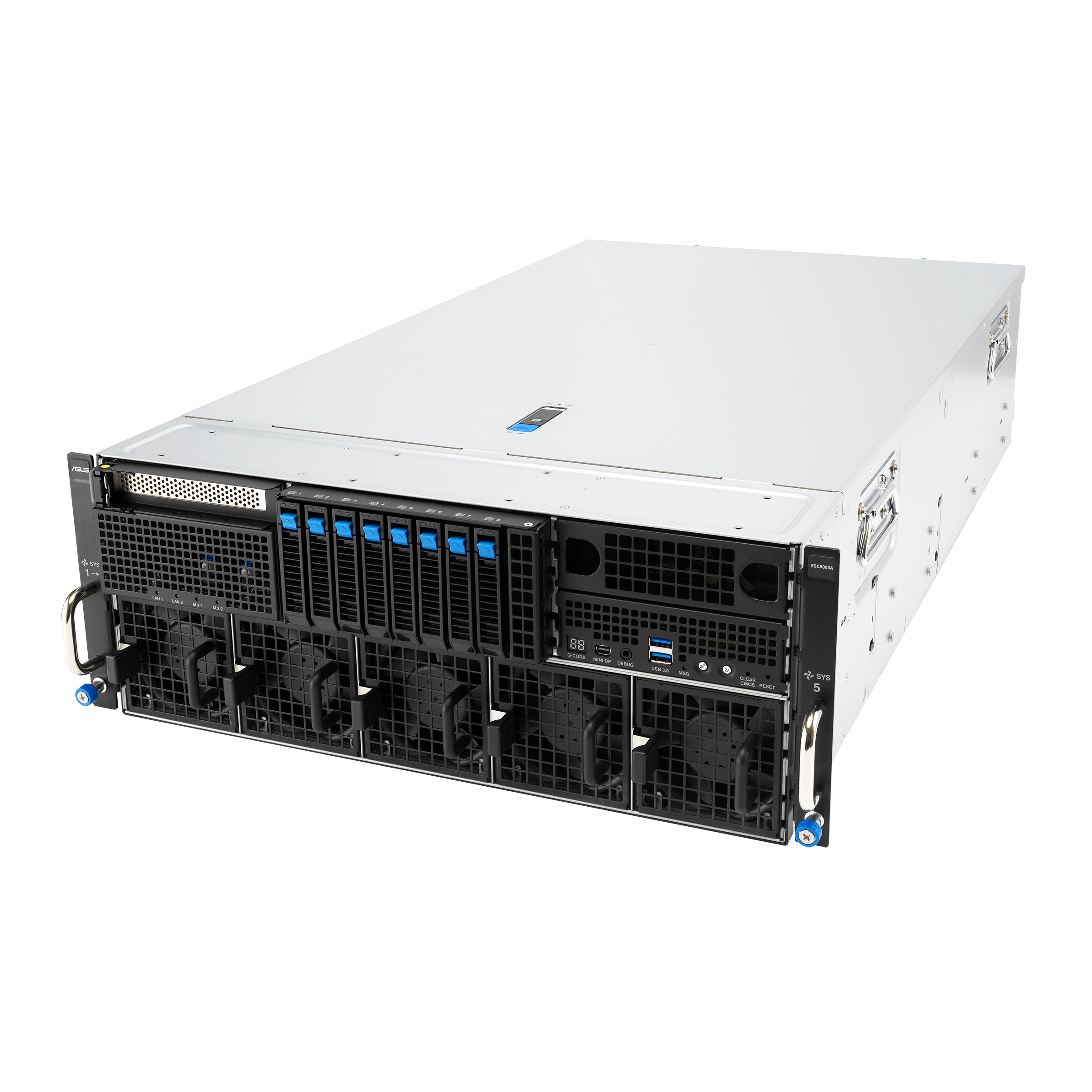
We build servers for a living, which means we buy components every week: GPUs, memory, drives, boards. That gives us something most commentary about the AI buildout does not have – purchasing records. Here is what ours say about 2026.
Three numbers from our records
87 percent. NVIDIA’s RTX PRO 6000 Blackwell (the 96GB card serious AI shops standardize on) launched at $8,565. It was repriced to $13,250, and now lists at $16,000. Same card, up 87 percent in under 18 months.
Roughly 4x. Server memory (ECC RDIMMs, the error-correcting kind server boards require) has roughly quadrupled per gigabyte in the 2026 shortage.
30 to 50 percent. Mainstream enterprise NVMe drives (fast solid-state storage) are out of stock at major distributors, and the units that are in stock carry 30 to 50 percent premiums.
The cause is structural, not seasonal. The hyperscalers (the biggest cloud operators) buy GPUs, memory, and flash by the container, and everyone downstream pays the new price.
What this does to rent versus own
The intuition says wait: prices are high, so hold off. The math says the opposite, for two reasons.
First, rising hardware prices do not favor renting. Cloud GPU rates ride the same scarcity – the landlord’s costs are your costs, plus margin – and rent never converts into a machine you own. If your team runs AI workloads daily, an owned server typically pays for itself inside a year.
Second, waiting has a cost of its own. The same configuration has cost more every quarter this year, and the shortage driving that has not eased. If owning is where your team lands eventually, sooner costs less than later.
Run your own numbers
We publish the rent-versus-own calculator we use internally: eracks.com/tco. It starts from the bill you actually pay – AI subscription seats or cloud GPU hours – and compares it against owning an eRacks server at live configured prices. It runs in your browser, requires no signup, and collects no email address.
And one thing about how we price: the configurator runs on live component costs, and the price you configure today is the price you pay at order. Component prices are moving weekly; your order does not.
The AI line runs from 2-GPU value systems to 96GB-class 8-GPU flagships, all built to order in California with the full open-source stack pre-installed (Ollama the model runner, Open WebUI the chat interface, vLLM high-throughput serving) and no Windows tax: browse the AI servers.
Questions about your workload? Ask for a quote and tell us what you run and what you pay for AI today – we will tell you straight whether owning pencils out for you, and exactly which box if it does.
joe August 21st, 2026
Posted In: AI Servers, News
Tags: AI hardware prices, DDR5 shortage, GPU prices, GPU server, NVMe shortage, open source AI, private AI, rent vs own, RTX PRO 6000 Blackwell, total cost of ownership
Private AI Servers, Restructured: The New eRacks Good, Better, Best Ladder
We have restructured the eRacks private AI server line into a clear Good, Better, Best ladder. The goal is simple: whatever size model you want to run, there is one obvious system for it, at a price that reflects what is actually inside the box. Prices on the mid-tier dropped substantially from the old line, because the new systems use current-generation parts and are sized honestly for the work.
First, the framing. Private AI means running large language models (LLMs, the software behind AI assistants) on hardware you own, inside your own building. Your prompts, your documents, and your model outputs never touch a cloud provider. You buy the system once, and there are no per-seat or per-token fees afterward. Every system in the line is air-gap ready (able to operate with no internet connection at all), which matters for legal, medical, financial, and government work.
Good: AILSA 2U, from $5,995
The AILSA is the entry point. It is a 2U system (a U is 1.75 inches of rack height) assembled, burned in, and certified by eRacks, with Intel Arc GPUs (graphics processing units, the chips that run AI models). The base build carries two Arc B50 low-profile cards for 32GB of VRAM (the GPU’s onboard memory, which holds the model), with larger Arc Pro options available in the configurator. It handles 70B-class models (roughly 70 billion parameters), which covers most private chat, coding, and RAG workloads (retrieval-augmented generation, where the model answers from your own documents).
Better: AISLING 4U, from $16,995
The new AISLING is the workhorse of the line. It pairs a 24-core AMD Threadripper 9960X with 128GB of ECC memory (error-correcting code memory, which detects and fixes memory errors) and a single 1600W power supply. The 4U chassis takes up to three dual-slot GPUs, which means 96GB of total VRAM with Intel Arc Pro B70 cards. That is enough headroom to run a 70B-class model at higher precision, serve more simultaneous users, or hold longer context windows.
Best: AILEEN 4U, from $21,995
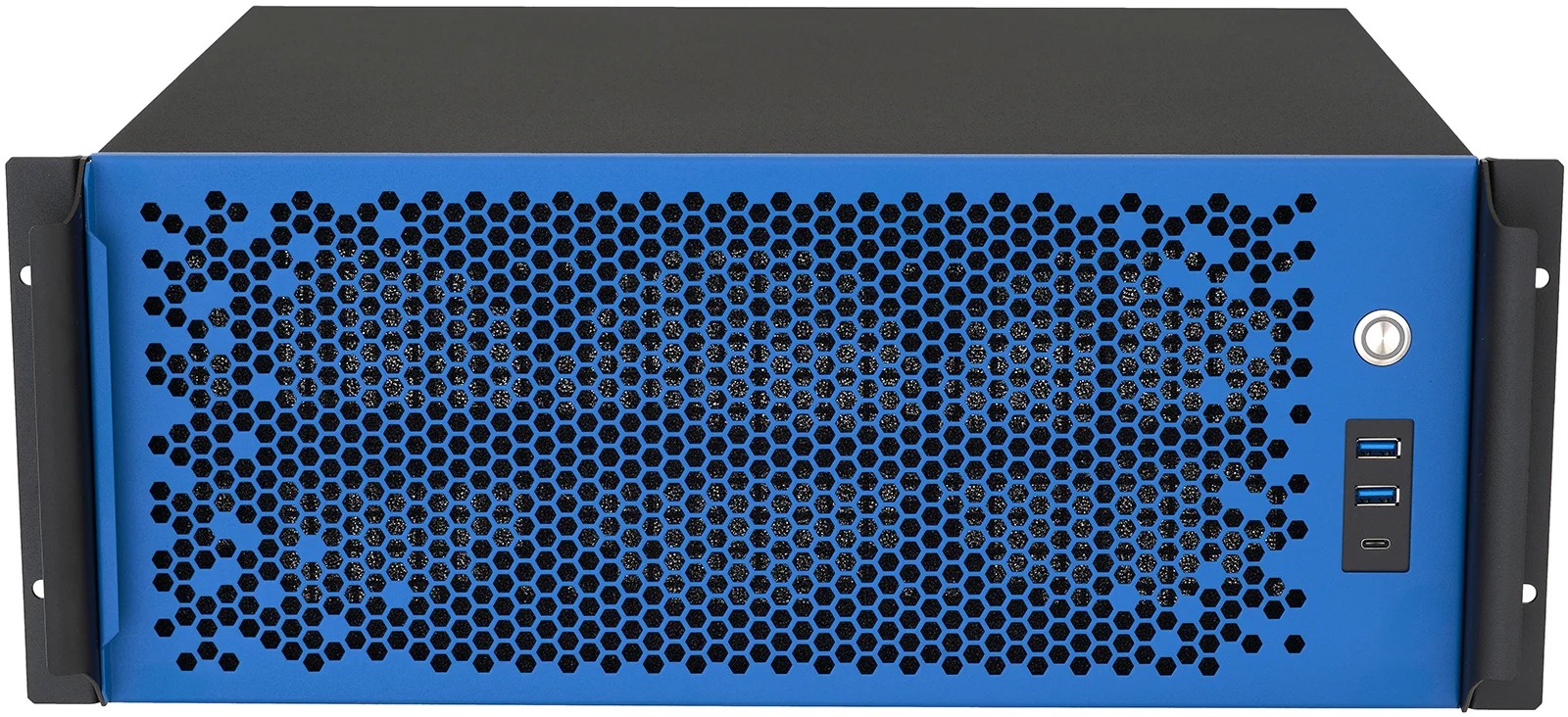
The new AILEEN steps up to server-class silicon: a 32-core AMD EPYC 9355 with 12 memory channels and 192GB of ECC memory. The extra memory bandwidth feeds the GPUs and speeds up CPU-side work like document indexing. It takes up to four GPUs for 128GB of VRAM, and it has redundant 1+1 power (two supplies, either one can run the system alone). AILEEN also ships in custom colors: blue, black, white, or red. The blue unit is the one pictured here.
| Model | Form factor | GPU memory (VRAM) | From |
|---|---|---|---|
| AILSA | 2U | 32GB base, larger Arc Pro options | $5,995 |
| AISLING | 4U | up to 96GB (3 x Arc Pro B70) | $16,995 |
| AILEEN | 4U | up to 128GB (4 GPUs) | $21,995 |
The enterprise tier
Some buyers need validated OEM server systems rather than our eRacks-Certified workhorse builds, usually because their ops teams require out-of-band management (a dedicated channel for remote hardware control, such as IPMI, that works even when the operating system is down). For them, the AIDAN 2U EPYC starts at $13,895, and the AISHA 4U starts at $30,995 with support for up to 10 GPUs.
What every system includes
All five models ship with Ubuntu LTS and the open-source AI stack pre-installed: Ollama, Open WebUI, vLLM, llama.cpp, and PyTorch. Each unit is burned in (run under sustained load before shipping) and tested. You get browser access to your own models on day one: unbox, rack, log in.
Not sure which tier fits? Start with our private AI sizing guide, which walks through how much GPU memory and system RAM a given model actually needs. Then configure the system that matches.
joe July 5th, 2026
Posted In: AI Servers, News
Tags: AI server, AMD EPYC, AMD Threadripper, GPU server, Intel Arc Pro, Ollama, open source AI, private AI, self-hosted LLM, vLLM