
eRacks Systems Tech Blog
Open Source Experts Since 1999
Private AI, Sized and Priced: How to Spec a Server to Run LLMs On-Premise (from $7,695)
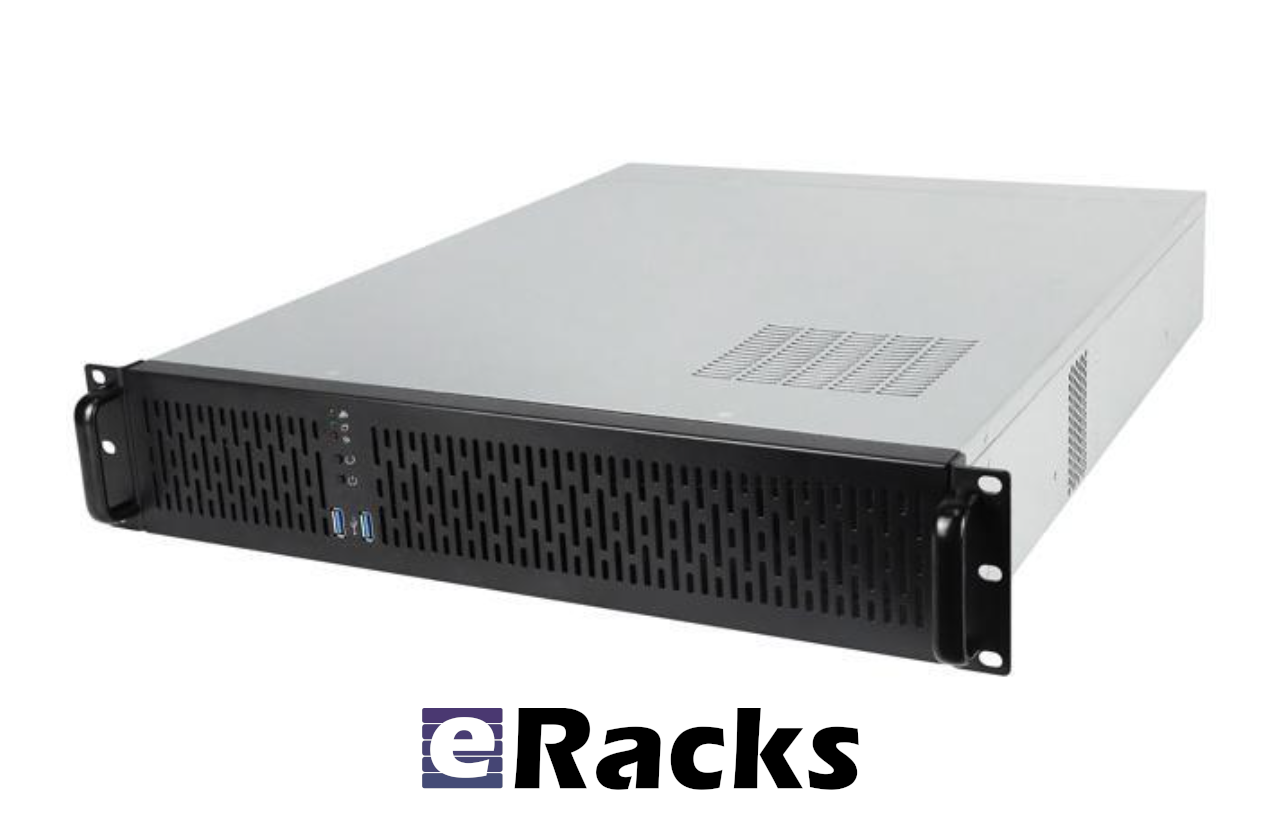
Running large language models (LLMs, the AI models behind chat assistants) on your own hardware, often called “private” or “on-premise” AI, keeps your data inside your building, replaces per-user cloud fees with a one-time purchase, and removes vendor lock-in. The catch is sizing it right. We just published a full, vendor-neutral guide to doing exactly that, and here is the short version.
Why run AI on your own hardware?
Three reasons come up again and again. Privacy and compliance: protected health information (HIPAA), attorney-client material, controlled government data, and source code often cannot legally or contractually leave your control. Predictable cost: a one-time purchase instead of per-seat or per-token billing that grows with every user and every query. Control: your models, your uptime, no rate limits, and no vendor quietly deprecating the model your workflow depends on. For light or occasional use a cloud API is cheaper and simpler; private AI wins when you have data you cannot send out, or when usage is steady and everyday.
The first number: GPU memory (VRAM)
A model has to fit in GPU memory (VRAM, the fast memory on the graphics card) to run at full speed. How much you need is set by the model’s parameter count and its quantization (compressing the weights to fewer bits each: Q4 is about 4 bits per weight and near-lossless for most tasks, Q8 is about 8 bits, fp16 is full precision).
| Model size | Q4 (4-bit) | Q8 (8-bit) | Good for |
|---|---|---|---|
| 7 to 8B (Llama 3.1 8B, Mistral) | ~6 GB | ~10 GB | chat, RAG, coding assist |
| 32 to 34B (Qwen 2.5 32B) | ~22 GB | ~38 GB | strong reasoning, agents |
| 70B (Llama 3.3 70B) | ~42 GB | ~80 GB | frontier-class open models |
| 120B+ or several at once | 70 GB+ | 140 GB+ | heavy or multi-tenant |
A quick rule: VRAM in GB is roughly the parameter count in billions times 0.6 for Q4, or times 1.1 for Q8, with context headroom included. (RAG, or retrieval-augmented generation, feeds the model your own documents at query time.)
It is not only VRAM: system RAM and CPU matter too
System RAM stages models into the GPUs, runs the model server and your data pipeline, and spills over when a model is slightly too big for VRAM. Size it at roughly 1.5 to 2 times your total VRAM. CPU and PCIe lanes: the processor feeds the GPUs through PCIe lanes, so a multi-GPU server needs enough lanes to drive every card at full bandwidth. That is why we build on server-class AMD EPYC and Intel Xeon processors rather than desktop chips: far more PCIe lanes, and support for ECC (error-correcting) memory.
When self-hosting beats the cloud
The arithmetic is direct. A cloud subscription such as ChatGPT Team runs about $30 per user per month. For a 30-person team that is roughly $10,800 a year, every year, with your prompts on someone else’s servers. An on-premise eRacks AILSA at $7,695 covers the same everyday inference on hardware you own, and pays for itself in under a year. In practice, self-hosting wins at roughly 5 to 10 or more regular users, or any privacy mandate.
The GPUs: VRAM without the NVIDIA tax
You do not need flagship NVIDIA silicon to run these models. You need VRAM.
- Intel Arc Pro B50 16GB (low-profile, about $349 to $399): the value pick. Four give 64 GB for well under $8,000 of GPU.
- Intel Arc Pro B70 32GB (about $949): roughly half the price per gigabyte of comparable NVIDIA professional cards. Four give 128 GB.
- NVIDIA RTX PRO 4000 Blackwell SFF 24GB: when you need the CUDA ecosystem and ECC memory in a small, 70-watt card.
The eRacks AI lineup
| Server | GPU memory | Comfortably runs | From |
|---|---|---|---|
| AILSA (2U) | up to 96 GB | Llama 3.3 70B (Q4), Qwen 2.5 32B | $7,695 |
| AIDAN (2U) | 32 GB | 32 to 34B models, 8B at full precision | $13,895 |
| AINSLEY (4U) | 128 GB | 70B with room for long context | $21,995 |
| AISHA (4U) | up to 256 GB | 70B at Q8, or several models, multi-tenant | $30,995 |
Every eRacks AI server ships with Ubuntu LTS (long-term-support Linux) and a complete open-source AI stack (Ollama, Open WebUI, vLLM, llama.cpp, PyTorch) pre-installed and tested. Staff reach the AI from a browser on day one. No per-seat or per-token fees, you own the hardware, and your data never leaves the building.
Bottom line
Start from the model, not the GPU: decide the largest model you will run and at what quantization, size the VRAM (about params times 0.6 for Q4), then add system RAM at 1.5 to 2 times that, and choose a server CPU with the lanes for your GPU count. If privacy is the driver, on-premise is the answer and the only question is which size. And the entry is lower than people expect: a 70B-class model, private, from $7,695.
Configure an AI server → or read the full sizing guide.
Want us to size one to your exact models and user count, at no charge? Reply to this post, a real engineer will help.
joe July 27th, 2026
Posted In: AI Servers, News
Tags: AI inference server, AILSA, GPU VRAM, HIPAA AI, Intel Arc Pro B50, Intel Arc Pro B70, Llama 70B, local LLM, on-premise AI, open source AI server, private AI, Qwen 32B, self-hosted LLM, system RAM