
eRacks Systems Tech Blog
Open Source Experts Since 1999
Choosing a ZFS Layout for Your NAS: RAIDZ2, Mirrors, and the Top 5 Configs
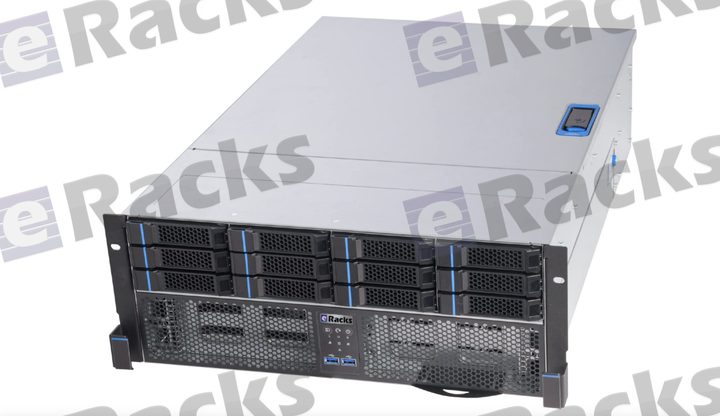
When we say our NAS line is “built right for ZFS” – IT-mode HBAs, ECC memory, CMR drives – the next question is always the same: which ZFS layout should I use? There’s no single right answer; it depends on your tolerance for failure, your need for speed, and how much usable capacity you want. Here’s how we think about it, and the five configs that cover almost everyone.
1. RAIDZ2 – the safe default
Double parity: any two drives in a vdev can fail and your data survives. For most NAS deployments of 6-12 drives, this is the right starting point – a strong balance of usable capacity and resilience, and enough margin to survive a second failure during a resilver (ZFS’s term for rebuilding the array onto a replacement drive — the riskiest window). If you’re not sure, choose RAIDZ2.
2. Striped mirrors (RAID10-style) – maximum IOPS
Pairs of mirrored drives, striped together. You give up half your raw capacity, but you get the best random-IO performance and by far the fastest resilvers (ZFS just copies one drive, not the whole vdev). The right choice for VM datastores, databases, and anything latency-sensitive.
3. RAIDZ1 – small arrays only
Single parity (RAID5-style). Fine for small pools (up to ~5-6 drives), all-SSD arrays, or less-critical data. We don’t recommend it for large modern HDDs: rebuild times are long enough that a second failure during resilver is a real risk, and RAIDZ1 can’t survive it.
4. RAIDZ3 – wide vdevs & archival
Triple parity – three drives can fail. Built for wide vdevs (12+ drives), archival and compliance data, and very large drives where resilver windows stretch into days. Maximum durability when you can spend a little capacity to get it.
5. dRAID – resilver speed at scale
For very large arrays (dozens of drives), dRAID distributes parity and spare capacity across all members, so a rebuild reads/writes in parallel across the whole pool instead of hammering one replacement disk. Resilvers that take days with traditional RAIDZ can finish in hours. Worth it once you’re past ~24 drives.
The pieces that make any pool better
Layout is only half the story. On the configurator you can add:
- NVMe special vdev – puts metadata and small blocks on flash; dramatic speedups for many-small-files workloads.
- SLOG – a fast, power-loss-protected device for synchronous writes (NFS, databases).
- L2ARC – an SSD read cache for hot data beyond what RAM holds.
- Plenty of ECC RAM – ZFS’s ARC lives in memory; more RAM = more cache, and ECC keeps it honest.
Every eRacks NAS ships with an IT-mode HBA option (no hardware RAID fighting ZFS), CMR drives up to 30TB, and TrueNAS SCALE / Proxmox / Ubuntu / Ceph pre-provisioned. Tell us your workload and we’ll spec the layout – and the special vdev / SLOG / L2ARC – to match.
Not sure which layout fits? Reply to this post – a real engineer will help you choose.
joe June 17th, 2026
Posted In: NAS Storage, News
Tags: dRAID, ECC memory, IT-mode HBA, L2ARC, NAS best practices, open source storage, RAIDZ2, RAIDZ3, SLOG, special vdev, striped mirrors, TrueNAS SCALE, ZFS
eRacks NAS, Rebuilt for Q2 2026: Xeon 6, 30TB CMR Drives, and Built Right for ZFS
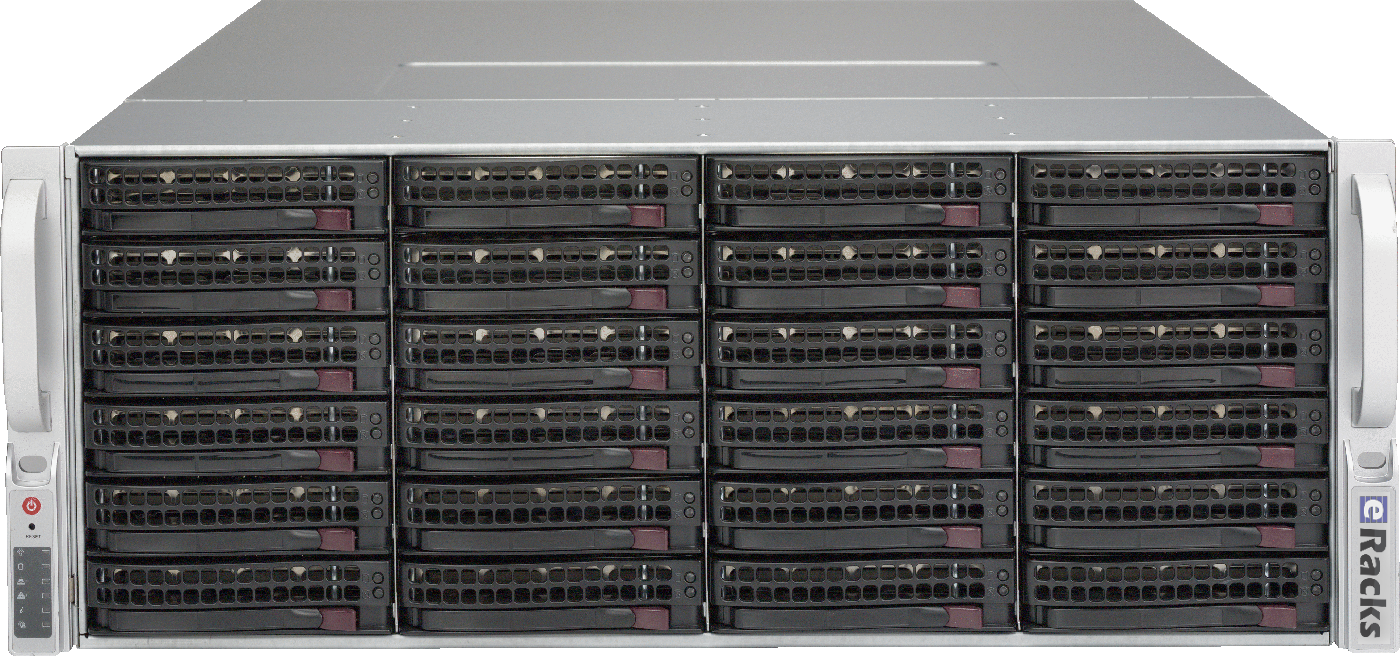
A NAS is only as good as the parts under the hood – and the parts that make a great ZFS server are not the ones most “NAS appliances” ship. So we went through the entire eRacks rackmount NAS line, from the NAS12 to the NAS100, and rebuilt it around what actually matters for modern open-source storage. Here’s what changed.
Current-Generation CPUs, the Way You’d Actually Spec Them
Every NAS now configures from a single CPU platform selector with current-generation silicon: Intel Xeon 6 – both Granite Rapids (P-core, for throughput) and Sierra Forest (E-core, for density and efficiency) – alongside AMD EPYC, with Ryzen and Threadripper available for workstation-class builds. Each platform is presented Good/Better/Best so you can pick the right core count without wading through a hundred SKUs, and the price reflects the real cost of that platform – a Ryzen build, for instance, comes in lower than a dual-socket Xeon 6.
CMR Drives Only – No SMR Surprises
ZFS and SMR (shingled) drives are a bad combination: SMR’s read-modify-write behavior turns a routine resilver into a multi-day ordeal. Our NAS line is CMR-only. The new default is the 30TB Seagate IronWolf Pro – the current dollars-per-terabyte sweet spot in NAS-class CMR – with conventional-recording options from a few TB up to the 32TB ceiling. No shingled drives ever sneak into a config.
Built Right for ZFS
Hardware RAID controllers and ZFS fight each other – ZFS wants direct, unmediated access to every disk. So every NAS offers an IT-mode HBA (no hardware RAID in the way), DDR5 ECC memory for a healthy ARC, and a RAID/pool selector that now includes ZFS directly alongside the traditional levels. Spin one up pre-provisioned with TrueNAS SCALE, Proxmox VE, Ubuntu, or Ceph – your choice, burned-in and tested before it ships.
Which ZFS Layout?
For most deployments we recommend RAIDZ2 (double parity – survives two simultaneous drive failures) as the default. Need maximum IOPS for VMs or databases? Striped mirrors. Very wide vdevs or archival data on large drives? RAIDZ3. We’ll help you match the layout – and the optional NVMe special vdev, SLOG, and L2ARC – to your workload.
One Line, Twelve Sizes
From the compact 1U NAS12 up through the petabyte-class NAS100, every model is built to order, burned-in, tested, and shipped ready to run. Pick your bays, pick your drives, pick your OS.
Questions about a build, or which ZFS layout fits your workload? Just reply – a real engineer answers.
joe June 14th, 2026
Posted In: NAS Storage, News
Tags: 26TB CMR, AMD EPYC, DDR5 ECC, Granite Rapids, Intel Xeon 6, IT-mode HBA, NAS servers, open source storage, rackmount NAS, RAIDZ2, Sierra Forest, TrueNAS SCALE, WD Red Pro, ZFS
Intel Arc Pro B70 on eRacks AI Servers: 128GB VRAM from $13K, 256GB Flagship Under $40K
Update June 5, 2026: The Intel Arc Pro B70 32GB workstation GPU is now the default GPU on every eRacks AI server. Here is why we made that change, and what it means for customers running language-model inference, video analysis, code-completion services, or RAG pipelines on-premise.
The headline numbers
- 32GB GDDR6 VRAM per card, 608 GB/s memory bandwidth, PCIe 5.0 x16, 160W TDP
- $949 MSRP (vs $1,500-$2,000 for NVIDIA RTX 4000 Ada 20GB, $7,000+ for RTX 6000 Ada 48GB)
- Roughly half the cost per GB of VRAM versus comparable NVIDIA professional cards
- Single-slot variant available (Sparkle Blower 1S) – up to 8 cards in a 4U chassis = 256GB total unified VRAM
Why VRAM matters more than FLOPS for inference
For most production AI workloads, the limiting factor is not raw compute throughput. It is whether your model fits in GPU memory.
- A 13-billion-parameter model at full FP16 precision needs roughly 26GB. Quantized to 4-bit: about 7GB.
- A 70-billion-parameter model at FP16: about 140GB. Quantized to 4-bit: about 35GB. At 8-bit: about 70GB.
- A 405-billion-parameter model (Llama 3.1 405B) at 4-bit quantization: about 200GB.
Once your model fits, inference latency comes from memory bandwidth, not raw teraflops. The Arc Pro B70’s 608 GB/s is competitive with cards three times its cost.
The new eRacks AI lineup, with Arc Pro B70 as the spine
eRacks/AIDAN – $13,000 entry tier
Single Arc Pro B70 32GB in a 2U rackmount chassis with AMD EPYC CPU. Enough VRAM for any model under 32 billion parameters at FP16, or larger models with quantization. Ideal for a single developer or small team running on-premise inference for code completion, code review, document summarization, or chat. Linux, OpenBSD, or FreeBSD pre-installed; you pick the AI stack.
eRacks/AINSLEY – $22,000 mid-tier
Four Arc Pro B70 cards for 128GB total unified VRAM, in a 4U chassis with AMD Threadripper PRO 7000-series CPU. Configured for medium-team inference or single-model training of mid-size architectures. Hosts a 70B model comfortably with room for KV cache, batching, and parallel requests.
eRacks/AISHA – $31,000 flagship
Four Arc Pro B70 cards default, with chassis room for up to eight cards (256GB total unified VRAM upgrade path). Built on a Supermicro SYS-421GE-TNRT 4U barebone with dual Intel Xeon SP CPUs, 10 PCIe Gen 5 slots, and quad redundant 2700W Titanium PSUs. This is the “we host our own private model serving stack” configuration – competitive with NVIDIA DGX systems at a fraction of the cost.
What does not change
- You own the hardware. No per-token billing, no metered API charges, no surprise overage.
- Open-source AI stack. Intel Arc Pro B70 is supported by PyTorch and TensorFlow via Intel oneAPI, llama.cpp with Vulkan or SYCL, vLLM, Ollama, Hugging Face Transformers. Pick your runtime.
- Pick your Linux. Ubuntu 26.04 LTS default, or Debian, Rocky, OpenSUSE, NixOS, FreeBSD – your call.
- Data stays on your hardware. No model weights, no prompts, no logs leave your rack unless you choose to send them.
Workloads that benefit most
- Self-hosted code-completion services (Continue, Tabby, Sourcegraph Cody) for engineering teams that cannot send code to external APIs
- Document RAG systems for law firms, hospitals, government agencies, financial services
- Video analysis and surveillance summarization on the same rack as the cameras
- Private chat assistants for organizations bound by HIPAA, FedRAMP, PCI, or attorney-client privilege
- Local fine-tuning experiments for ML research teams who want repeatable training without cloud quotas
Sourcing reality check
The Arc Pro B70 launched in Q1 2026. As of this post: Newegg has the Intel reference card in stock at $1,099. Single-slot Sparkle Blower variant is shipping but currently single-store pickup at Micro Center – we are working with Sparkle’s US distributor to set up reliable multi-card supply. For mid-2026 builds expect a one to two week lead time on multi-GPU configurations while we source through B2B channels. We always quote real lead times before charging.
Want to talk through your use case?
Browse the new AI configurations at https://eracks.com/products/ai-rackmount-servers/ or email me directly: joe at eracks dot com. Tell me what model you want to run, what your concurrency target is, and what data classification rules you live under – I will spec the right tier and the right OS for it.
– Joe Wolff, founder, eRacks Open Source Systems
joe June 4th, 2026
Posted In: Uncategorized