
eRacks Systems Tech Blog
Open Source Experts Since 1999
We Re-Verified Every NAS Default Against the 2026 Drive Shortage. Here’s What Changed.
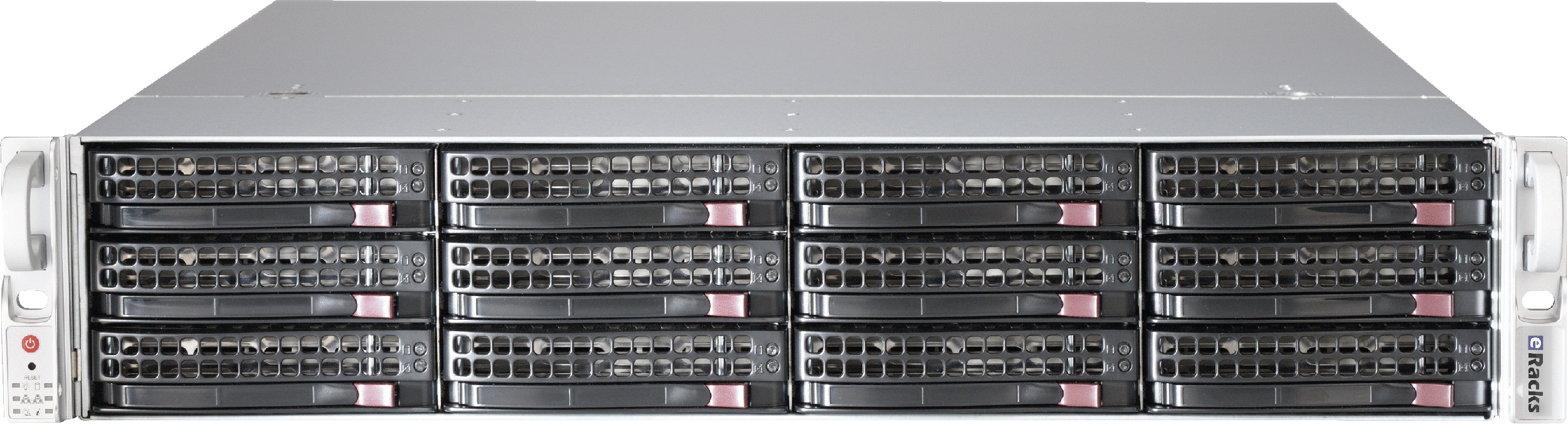
The 2026 drive and memory shortage has quietly broken a lot of storage price lists. Drives that vendors still advertise as standard are backorder-only at every national retailer. Memory prices moved 50 percent in a quarter. A configurator that hasn’t been re-checked against real supply this year is, politely, fiction.
So we re-verified our entire NAS line: every default component, checked against multiple named suppliers, for both price and actual in-stock availability. Here is what changed, and what it means if you’re shopping for storage this summer.
The 30TB drive problem
Our large NAS models used to default to the 30TB Seagate IronWolf Pro. It’s a fine drive, and it has become effectively unobtainable: backorder-only at the one national supplier still listing it, dropped from Seagate’s own current lineup, unavailable everywhere else we checked. Continuing to default to it would mean quoting systems we could not ship this week.
The fix: our high-capacity systems now default to the 24TB IronWolf Pro, in stock at multiple national retailers at about $35 per terabyte, and we added the 32TB IronWolf Pro, also in stock, at the top of the ladder at nearly the same cost per terabyte. Every drive in our NAS configurators remains CMR (conventional magnetic recording); we do not use shingled SMR drives, whose write performance collapses during the sustained writes of a RAID rebuild, exactly when you can least afford it.
ZFS RAIDZ2, now the default everywhere
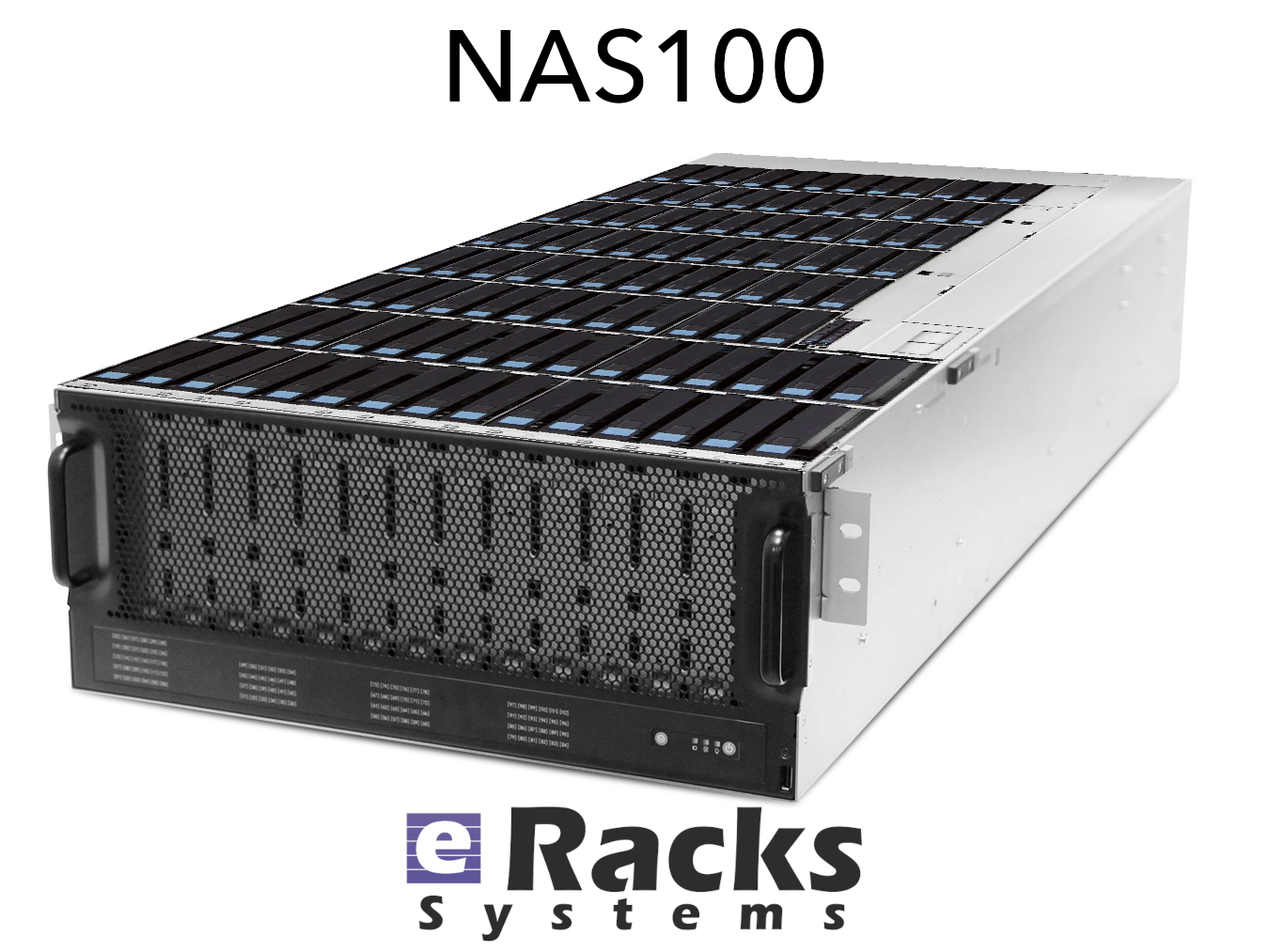
Every eRacks storage system, from the 1U four-bay NAS4 to the petabyte-class NAS100, now defaults to a ZFS RAIDZ2 pool: dual parity, meaning any two drives can fail without losing data. RAIDZ3 (triple parity) and striped mirrors (the performance-first layout) are right there in the dropdown, and traditional hardware RAID remains available for shops that require it, just never as a silent default.
Under every pool is an IT-mode HBA (a host bus adapter that passes drives directly to the operating system), because ZFS wants to see raw drives to do its end-to-end checksumming and self-healing. If you’re deciding between RAIDZ2, RAIDZ3, and mirrors, our free ZFS layout guide works through the math.
Prices that match what parts cost
Component costs moved, so prices moved: mid-size and large models are repriced to current reality (the NAS12 now starts at $8,995, the NAS72 at $25,995), and every price in the configurator reflects a component list we verified we can buy this week. The entry line held: the NAS4 still starts at $1,995 and the NAS6 at $2,995, now with 16GB of DDR5 standard and ECC memory available as an upgrade.
This is the same discipline we described on our refreshed Components We Use page: new parts only, authorized US distribution, multi-source price-and-availability checks before anything gets quoted, and a 72-hour burn-in before anything ships.
Browse the re-verified line at eracks.com/products/rackmount-nas-servers, or ask us to spec one for your workload, a human answers.
joe July 9th, 2026
Tags: CMR, drive shortage, IronWolf Pro, IT-mode HBA, NAS, RAIDZ2, supply chain, transparent pricing, TrueNAS, ZFS
Choosing a ZFS Layout for Your NAS: RAIDZ2, Mirrors, and the Top 5 Configs
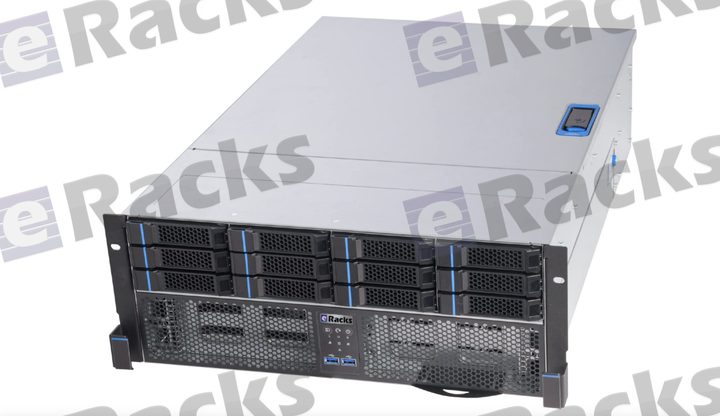
When we say our NAS line is “built right for ZFS” – IT-mode HBAs, ECC memory, CMR drives – the next question is always the same: which ZFS layout should I use? There’s no single right answer; it depends on your tolerance for failure, your need for speed, and how much usable capacity you want. Here’s how we think about it, and the five configs that cover almost everyone.
1. RAIDZ2 – the safe default
Double parity: any two drives in a vdev can fail and your data survives. For most NAS deployments of 6-12 drives, this is the right starting point – a strong balance of usable capacity and resilience, and enough margin to survive a second failure during a resilver (ZFS’s term for rebuilding the array onto a replacement drive — the riskiest window). If you’re not sure, choose RAIDZ2.
2. Striped mirrors (RAID10-style) – maximum IOPS
Pairs of mirrored drives, striped together. You give up half your raw capacity, but you get the best random-IO performance and by far the fastest resilvers (ZFS just copies one drive, not the whole vdev). The right choice for VM datastores, databases, and anything latency-sensitive.
3. RAIDZ1 – small arrays only
Single parity (RAID5-style). Fine for small pools (up to ~5-6 drives), all-SSD arrays, or less-critical data. We don’t recommend it for large modern HDDs: rebuild times are long enough that a second failure during resilver is a real risk, and RAIDZ1 can’t survive it.
4. RAIDZ3 – wide vdevs & archival
Triple parity – three drives can fail. Built for wide vdevs (12+ drives), archival and compliance data, and very large drives where resilver windows stretch into days. Maximum durability when you can spend a little capacity to get it.
5. dRAID – resilver speed at scale
For very large arrays (dozens of drives), dRAID distributes parity and spare capacity across all members, so a rebuild reads/writes in parallel across the whole pool instead of hammering one replacement disk. Resilvers that take days with traditional RAIDZ can finish in hours. Worth it once you’re past ~24 drives.
The pieces that make any pool better
Layout is only half the story. On the configurator you can add:
- NVMe special vdev – puts metadata and small blocks on flash; dramatic speedups for many-small-files workloads.
- SLOG – a fast, power-loss-protected device for synchronous writes (NFS, databases).
- L2ARC – an SSD read cache for hot data beyond what RAM holds.
- Plenty of ECC RAM – ZFS’s ARC lives in memory; more RAM = more cache, and ECC keeps it honest.
Every eRacks NAS ships with an IT-mode HBA option (no hardware RAID fighting ZFS), CMR drives up to 30TB, and TrueNAS SCALE / Proxmox / Ubuntu / Ceph pre-provisioned. Tell us your workload and we’ll spec the layout – and the special vdev / SLOG / L2ARC – to match.
Not sure which layout fits? Reply to this post – a real engineer will help you choose.
joe June 17th, 2026
Posted In: NAS Storage, News
Tags: dRAID, ECC memory, IT-mode HBA, L2ARC, NAS best practices, open source storage, RAIDZ2, RAIDZ3, SLOG, special vdev, striped mirrors, TrueNAS SCALE, ZFS
eRacks NAS, Rebuilt for Q2 2026: Xeon 6, 30TB CMR Drives, and Built Right for ZFS
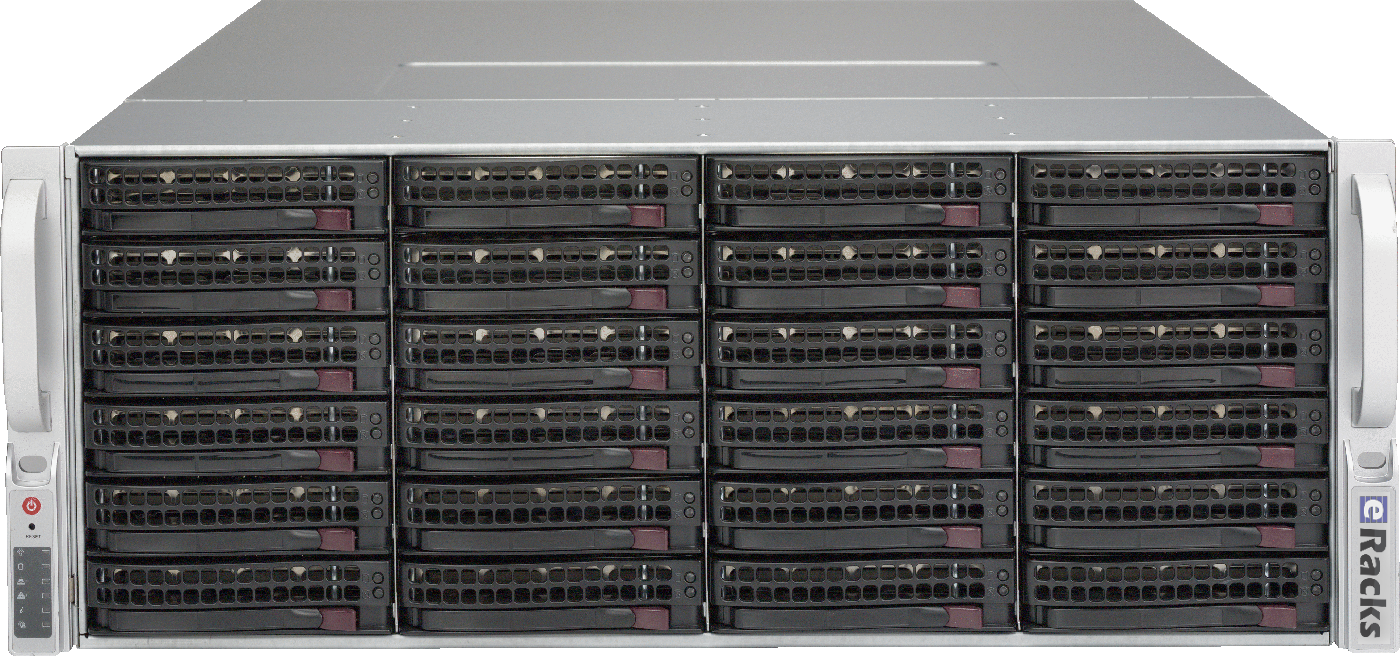
A NAS is only as good as the parts under the hood – and the parts that make a great ZFS server are not the ones most “NAS appliances” ship. So we went through the entire eRacks rackmount NAS line, from the NAS12 to the NAS100, and rebuilt it around what actually matters for modern open-source storage. Here’s what changed.
Current-Generation CPUs, the Way You’d Actually Spec Them
Every NAS now configures from a single CPU platform selector with current-generation silicon: Intel Xeon 6 – both Granite Rapids (P-core, for throughput) and Sierra Forest (E-core, for density and efficiency) – alongside AMD EPYC, with Ryzen and Threadripper available for workstation-class builds. Each platform is presented Good/Better/Best so you can pick the right core count without wading through a hundred SKUs, and the price reflects the real cost of that platform – a Ryzen build, for instance, comes in lower than a dual-socket Xeon 6.
CMR Drives Only – No SMR Surprises
ZFS and SMR (shingled) drives are a bad combination: SMR’s read-modify-write behavior turns a routine resilver into a multi-day ordeal. Our NAS line is CMR-only. The new default is the 30TB Seagate IronWolf Pro – the current dollars-per-terabyte sweet spot in NAS-class CMR – with conventional-recording options from a few TB up to the 32TB ceiling. No shingled drives ever sneak into a config.
Built Right for ZFS
Hardware RAID controllers and ZFS fight each other – ZFS wants direct, unmediated access to every disk. So every NAS offers an IT-mode HBA (no hardware RAID in the way), DDR5 ECC memory for a healthy ARC, and a RAID/pool selector that now includes ZFS directly alongside the traditional levels. Spin one up pre-provisioned with TrueNAS SCALE, Proxmox VE, Ubuntu, or Ceph – your choice, burned-in and tested before it ships.
Which ZFS Layout?
For most deployments we recommend RAIDZ2 (double parity – survives two simultaneous drive failures) as the default. Need maximum IOPS for VMs or databases? Striped mirrors. Very wide vdevs or archival data on large drives? RAIDZ3. We’ll help you match the layout – and the optional NVMe special vdev, SLOG, and L2ARC – to your workload.
One Line, Twelve Sizes
From the compact 1U NAS12 up through the petabyte-class NAS100, every model is built to order, burned-in, tested, and shipped ready to run. Pick your bays, pick your drives, pick your OS.
Questions about a build, or which ZFS layout fits your workload? Just reply – a real engineer answers.
joe June 14th, 2026
Posted In: NAS Storage, News
Tags: 26TB CMR, AMD EPYC, DDR5 ECC, Granite Rapids, Intel Xeon 6, IT-mode HBA, NAS servers, open source storage, rackmount NAS, RAIDZ2, Sierra Forest, TrueNAS SCALE, WD Red Pro, ZFS