
eRacks Systems Tech Blog
Open Source Experts Since 1999
Choosing a ZFS Layout for Your NAS: RAIDZ2, Mirrors, and the Top 5 Configs
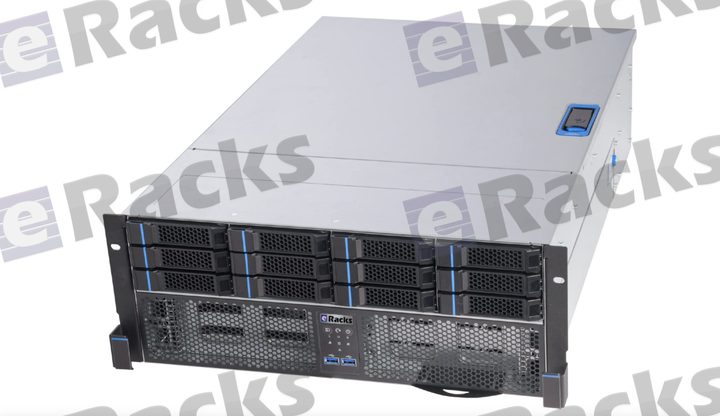
When we say our NAS line is “built right for ZFS” – IT-mode HBAs, ECC memory, CMR drives – the next question is always the same: which ZFS layout should I use? There’s no single right answer; it depends on your tolerance for failure, your need for speed, and how much usable capacity you want. Here’s how we think about it, and the five configs that cover almost everyone.
1. RAIDZ2 – the safe default
Double parity: any two drives in a vdev can fail and your data survives. For most NAS deployments of 6-12 drives, this is the right starting point – a strong balance of usable capacity and resilience, and enough margin to survive a second failure during a resilver (ZFS’s term for rebuilding the array onto a replacement drive — the riskiest window). If you’re not sure, choose RAIDZ2.
2. Striped mirrors (RAID10-style) – maximum IOPS
Pairs of mirrored drives, striped together. You give up half your raw capacity, but you get the best random-IO performance and by far the fastest resilvers (ZFS just copies one drive, not the whole vdev). The right choice for VM datastores, databases, and anything latency-sensitive.
3. RAIDZ1 – small arrays only
Single parity (RAID5-style). Fine for small pools (up to ~5-6 drives), all-SSD arrays, or less-critical data. We don’t recommend it for large modern HDDs: rebuild times are long enough that a second failure during resilver is a real risk, and RAIDZ1 can’t survive it.
4. RAIDZ3 – wide vdevs & archival
Triple parity – three drives can fail. Built for wide vdevs (12+ drives), archival and compliance data, and very large drives where resilver windows stretch into days. Maximum durability when you can spend a little capacity to get it.
5. dRAID – resilver speed at scale
For very large arrays (dozens of drives), dRAID distributes parity and spare capacity across all members, so a rebuild reads/writes in parallel across the whole pool instead of hammering one replacement disk. Resilvers that take days with traditional RAIDZ can finish in hours. Worth it once you’re past ~24 drives.
The pieces that make any pool better
Layout is only half the story. On the configurator you can add:
- NVMe special vdev – puts metadata and small blocks on flash; dramatic speedups for many-small-files workloads.
- SLOG – a fast, power-loss-protected device for synchronous writes (NFS, databases).
- L2ARC – an SSD read cache for hot data beyond what RAM holds.
- Plenty of ECC RAM – ZFS’s ARC lives in memory; more RAM = more cache, and ECC keeps it honest.
Every eRacks NAS ships with an IT-mode HBA option (no hardware RAID fighting ZFS), CMR drives up to 30TB, and TrueNAS SCALE / Proxmox / Ubuntu / Ceph pre-provisioned. Tell us your workload and we’ll spec the layout – and the special vdev / SLOG / L2ARC – to match.
Not sure which layout fits? Reply to this post – a real engineer will help you choose.
joe June 17th, 2026
Posted In: NAS Storage, News
Tags: dRAID, ECC memory, IT-mode HBA, L2ARC, NAS best practices, open source storage, RAIDZ2, RAIDZ3, SLOG, special vdev, striped mirrors, TrueNAS SCALE, ZFS