
eRacks Systems Tech Blog
Open Source Experts Since 1999
Your Hardware, Your Choice: Lock-In from Ink Cartridges to Server Drives
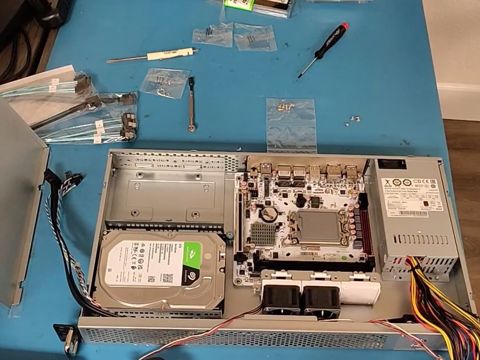
Printers taught a lot of us what lock-in feels like, and the business model behind it is simple: sell the printer cheap, then make the money back on the ink, cartridge after cartridge, for as long as you own it. The printer is the loss leader; the supplies are the business. HP’s CEO, Enrique Lores, said as much on CNBC in January 2024: “Every time a customer buys a printer, it’s an investment for us. We are investing in that customer, and if that customer doesn’t print enough or doesn’t use our supplies, it’s a bad investment” (as quoted by TechSpot).
The way to protect that investment is to make sure the cheaper cartridges don’t work. A third-party cartridge runs for a while, then a firmware update stops it. HP’s own support document says a cartridge with a non-HP chip “may function for a period of time, but then cease to function” (HP, “Dynamic Security Enabled Printers”), and HP pushed another round of that firmware on January 29, 2026 (Ars Technica).
TVs run the same play with a different follow-on. As Bruce Perens asked on LinkedIn last month: “Why can you buy a 65 inch 4K TV for $250 and a smaller and less capable computer monitor can cost $1000? Because most of the income from the TV is fees for recording your TV viewing preferences” (LinkedIn). With the printer, the ink pays for the hardware. With the smart TV, your viewing habits do.
We’ll never buy or recommend another HP printer, and this is why.
What the follow-on is worth
Supplies were about 65 percent of HP’s printing revenue last year (HP’s fiscal 2025 annual report). HP’s CFO described the value of “locking that person” into a longer relationship as a 20 percent uplift on the customer (as quoted by TechSpot). HP+ printers, once activated, require original HP ink “for the lifetime of the printer” (HP). Branded inkjet ink runs $9 to $11 per milliliter (Forbes, November 1). When we priced toner for our own new printer this week, the maker’s high-yield set cost about 6.7 times a well-reviewed aftermarket set.
We don’t mind a brand premium. If a maker’s own supplies are better, people will pay for them. What we object to is firmware that removes the customer’s choice: subsidizing the hardware, then policing the supplies to win the money back. Compete; don’t restrict or mandate.
The security argument, checked
HP says cartridges can carry viruses. Ars Technica traced that to one lab-only bug, found through HP’s own bug bounty program, published and patched in 2022, with no known attacks in the wild. The lockout itself started in 2016, six years earlier (Ars Technica). If a cartridge chip can attack a printer, the fix is in the printer’s firmware, not in locking out the customer.
Regulators have mostly punished the secrecy, not the lock. Australia’s consumer regulator had HP compensate customers in 2018 for not disclosing it (ACCC), and Italy fined HP 10 million euros in 2020 (AGCM). Courts in the Netherlands and the US have so far let the practice stand. So the real check is what buyers choose.
The same playbook in servers, where it costs real money
- Branded drives. In April 2025 Synology said its new Plus NAS models would fully support only its own drives or certified ones. After pushback it restored third-party hard drives on those desktop models in October 2025, but its current policy still limits unlisted M.2 SSDs on every model, and unlisted hard drives on its rack and enterprise models, to migration only (Synology).
- CPUs fused to one vendor. AMD’s Platform Secure Boot (PSB) can permanently bind an EPYC or Threadripper PRO processor to one system maker’s firmware key. Dell’s support page says enabling it “will permanently fuse the CPU to only work on Dell platforms” (Dell), and Lenovo did the same with every Threadripper PRO 5000 in its P620 workstation (Tom’s Hardware). A used CPU pulled from one of those machines may never run in another board.
- Fans for “foreign” cards. Dell’s 13th-generation PowerEdge servers raise fan speed by default when they see a third-party PCIe card. Dell documents how to turn that off (Dell).
- Coded network optics. Cisco switches can shut a port down for a third-party SFP module (the small plug-in transceiver for fiber or copper) until you enable an “unsupported transceiver” command (Cisco).
- Paying to switch on what you own. Intel sold activation of features already built into 4th and 5th generation Xeon processors under “Intel On Demand.” It has since been wound down and is not on Xeon 6 (HotHardware).
- Licenses that limit where hardware runs. NVIDIA’s GeForce driver license says the software “is not licensed for datacenter deployment” (NVIDIA), and its virtual GPU features are licensed per user, per year.
Where buyers won
Synology backed off within six months for its desktop models. Intel’s On Demand is gone from Xeon 6. And Oregon, Colorado and Minnesota now limit “parts pairing,” where a maker refuses a working replacement part because it didn’t come from them. Pushback works.
How to spot lock-in before you buy
- Will it run third-party drives with full features: health reports, firmware updates, new storage pools?
- Do the fans ramp up, or warnings appear, when you add a card or drive of another brand? Can you turn that off?
- Are BIOS and firmware updates free, or tied to a support contract?
- Is the CPU fused to the system maker? Will it run in another board if the motherboard dies?
- Do the switch ports take standard optics?
- Are features already in the silicon sold as paid unlocks?
- Does a software license limit where the hardware can run?
- Can you roll firmware back if an update breaks something?
Not every answer has to be “no lock-in” for a purchase to make sense. But you should know the answers before you buy, not after the first update.
How we build
The printer and smart-TV model hides the real price of the hardware in what comes after it: the cartridges, the subscription, the data. We price the other way around. Our systems are priced for what they are, with no subsidy to win back later through locked supplies or subscriptions, so there is nothing to lock. Our home page has said it for years: no vendor lock-in, standard off-the-shelf components, your choice of operating system. We build on standard boards, drives, memory and cards you can buy anywhere, and on open-source operating systems. And adding or changing components doesn’t void our warranty. It’s your machine.
Questions about a build, or about lock-in in something you already own? Write to us.
joe November 7th, 2026
Posted In: News, Technology
Tags: AMD PSB, eRacks, NAS, open hardware, printers, right to repair, Servers, vendor lock-in
The Apps Were Never the Box: Why We Build Open NAS Systems

An XDA Developers writer published a piece last week that we could have written ourselves. He kept his Synology NAS (network-attached storage: a box of drives on your network that serves files and apps) and walked away from almost every app Synology ships with it. His photos moved to Immich, his music to Navidrome, his movies to Plex and Jellyfin, his documents to Paperless. All of them run in Docker, a way to package an app with everything it needs so it runs the same on any Linux machine.
His reasons are specific. Synology Photos, in his words, is “pretty dated”: no major new features in a while, and missing the GPS tagging, import workflows and shared libraries Immich has, with a mobile backup he found less reliable. Synology’s music app is “not very good at all”. And Synology discontinued its own video streaming app, which leaves a basic DLNA server as the only first-party option.
We have been saying this for years. It is worth saying why.
A NAS is two things
Every NAS is storage plus the apps that use it. Appliance vendors sell the two as one product, and for a while that was a fair trade: the apps were the reason to buy the box. Docker ended that. The open-source apps now move faster than the vendors’ own, which is the writer’s first reason, and because they are containers, they do not care which hardware they run on.
The XDA writer makes the point himself. His apps are “as independent as possible”, so if he moves from Synology to another brand, or to his own server, Immich comes with him. A proprietary app cannot make that promise, and neither can a vendor that decides which of its own apps survive the next release.
Once the apps are open, the box is just storage. And storage should be open too.
What open storage looks like
This is how we build NAS systems, and have for a long time:
- ZFS by default. ZFS is an open-source file system that checksums every block, so it detects and repairs silent corruption instead of serving it back to you. Our NAS line defaults to RAIDZ2, dual parity: any two drives can fail without losing data.
- The drives talk to ZFS directly. We offer an HBA (host bus adapter, the card the drives plug into) in IT mode, which passes each drive straight through instead of hiding it behind a hardware RAID controller. ZFS sees the real disks and their health.
- Standard NAS drives. Our current default is the 24TB Seagate IronWolf Pro, a CMR drive (conventional magnetic recording, the kind that behaves well in a rebuild), bought in the channel like any other part. If a drive fails in year four, you buy another one anywhere.
- Your choice of operating system. Ubuntu LTS by default, or Debian, TrueNAS Community Edition, OpenMediaVault and others. The data outlives the choice: a ZFS pool exported from one machine imports on another running a current OpenZFS.
- Sizes that fit the job. From NAS4, a 1U four-bay unit, to NAS100, 102 bays in 4U, plus the QUIET3 for a home or an office where a rackmount fan would be too loud.
The same apps, without the vendor in the middle
Immich, Jellyfin, Plex, Navidrome and Paperless run on any of these systems exactly as they run on the XDA writer’s Synology. The difference is what sits underneath: an operating system you can update on your schedule, a file system you can move, and hardware with no vendor deciding which parts or apps you may use. Name the apps you want and we install and test them before the system ships, the same way we set up TrueNAS with Jellyfin on a quiet media server this month.
To be fair to Synology: if you want an appliance you never think about, and you are happy with its apps, it is a reasonable buy. The writer still uses his as the backbone of his setup. But if you are already running your own apps, as he is, part of what the appliance price pays for is software you have stopped using.
Where to start
The full NAS line is configurable online, and our July post covers how we re-verified every default drive and part against this year’s shortages. The XDA article is here.
Tell us what you store and which apps you run, and we will size it. Write to info@eracks.com, or start with a quote request.
joe September 24th, 2026
Tags: Docker, Immich, Jellyfin, NAS, Navidrome, Open Source, self-hosting, Synology, TrueNAS, ZFS
The Price You See Is the Price: Transparent Server Pricing in a Shortage
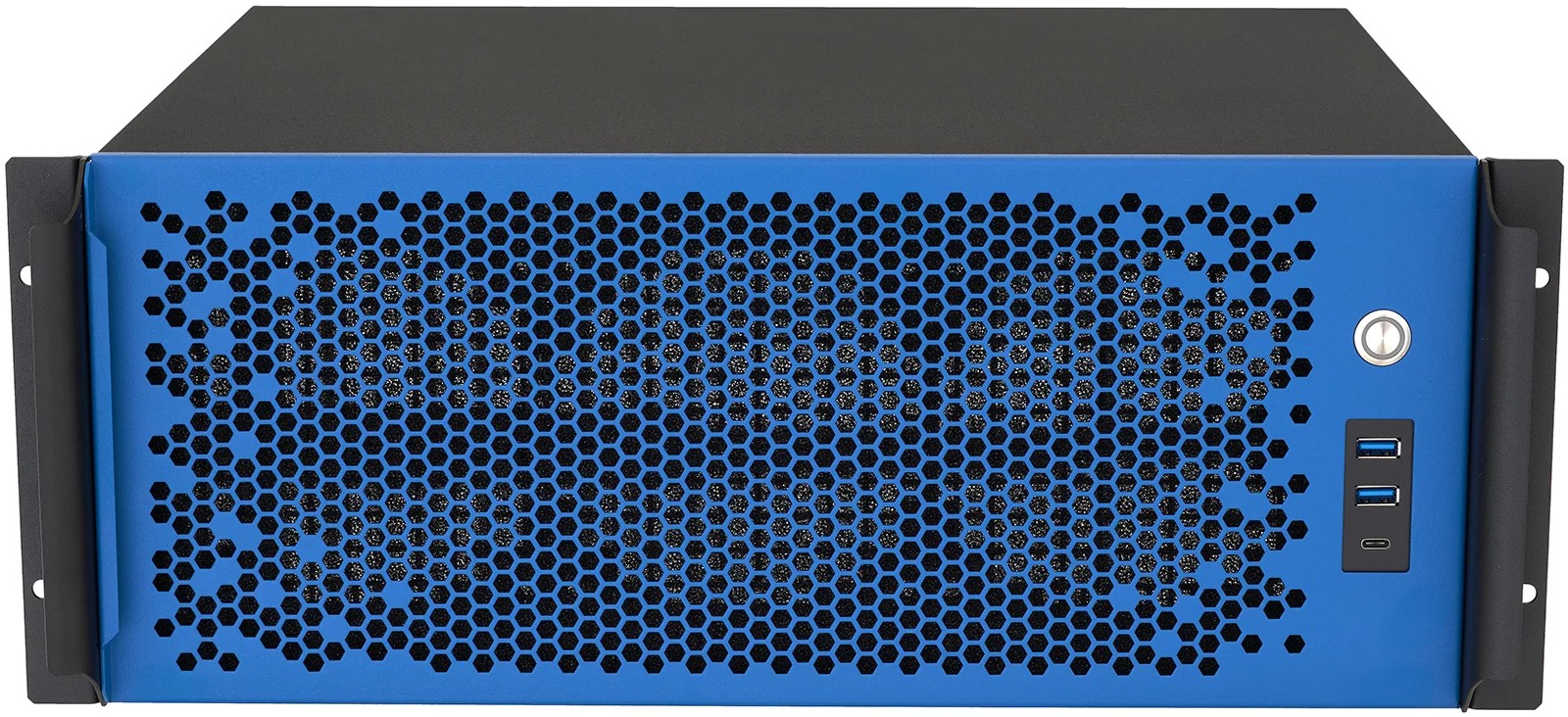
This month, one of our distributors repriced a GPU by 29 percent. Overnight. The same card, quoted to us on a Thursday, cost $280 more on Friday. Server-grade DDR5 ECC memory (error-correcting code memory, the kind servers use to detect and fix bit errors) is running $24 to $28 per gigabyte on the street, roughly triple what it cost before the 2026 memory shortage. Enterprise hard drives jumped too.
In a market like this, most server vendors reach for the same three tricks. We think you should know what they are, because we built our whole pricing system to do the opposite.
The three tricks
The teaser config. The advertised price quietly assumes last year’s components: less memory than the workload needs, a boot drive standing in for storage, a processor two generations back. The real configuration costs thousands more, which you discover after you are invested.
“Call for pricing.” If the vendor will not put a number on the page, the number depends on who is asking. That is not pricing, that is negotiation, and it always favors the side with more information. That is never the buyer.
The silent quote. A price quoted in a volatile market is a bet. Some vendors let you carry a stale quote right up to the purchase order, then “revise” it when backing out is hardest.
What we do instead
The configurator price is the price. Every configuration on eracks.com produces a real, orderable number, computed from what the components actually cost us. No “starting at” games: change the memory, the drives, the GPUs, and watch the price move in both directions, up and down, with the parts market.
Robots watch the market so the catalog stays true. Automated trackers re-check memory, drive, and GPU street prices daily and weekly, and feed re-pricing that a human reviews before it ships. When a component spikes, we re-price openly rather than let the old number quietly stop being true.
When a build goes underwater, we fix the build in the open. This week our own margin checks flagged two NAS models whose entry configurations no longer made sense at current drive prices. We did not pad the price and we did not gut the spec quietly. We changed the default drive count, published the same price, and left every larger configuration exactly where it was. The entry price stayed real.
Quotes tell you everything up front. As of this month, every formal eRacks quote carries five things: your discounts by name, a validity window, a component-volatility note, an estimated lead time (in this market, chassis allocation is a real thing, and you deserve to know it before you order), and a configuration that matches a product we actually ship today. That last one sounds obvious. It is not industry practice.
When we cannot source a part at a price we can stand behind, we say so. Some configurations show “get a quote” instead of a number. That is not coyness. It means the market for that part is moving too fast for a printed price to stay true, so we price it fresh, with a validity window, when you ask.
Why bother
Earlier this year a prospect told us one of our configurations looked misleading. We did not enjoy hearing it, and he had a point: a stale page had drifted out of sync with the parts market. That critique turned into the system described above: automated price tracking, margin floors, re-verified defaults, and the five-line quote rule. The fix for being wrong is not better wording. It is better plumbing.
We have been building open-source servers since 1999. No venture capital, no lock-in, no per-seat fees, and nothing in the business model that needs a pricing trick to work. In a shortage, transparent pricing is slower and occasionally embarrassing. It is also the only kind worth publishing.
Configure anything, from a ZFS NAS to a private AI server, and the number you see is the number. If your workload does not fit a page, ask us and you will get a quote with all five lines on it.
joe July 20th, 2026
Posted In: News
Tags: AI server, DRAM shortage, NAS, no lock-in, Open Source, quotes, server pricing, supply chain, transparent pricing
We Re-Verified Every NAS Default Against the 2026 Drive Shortage. Here’s What Changed.
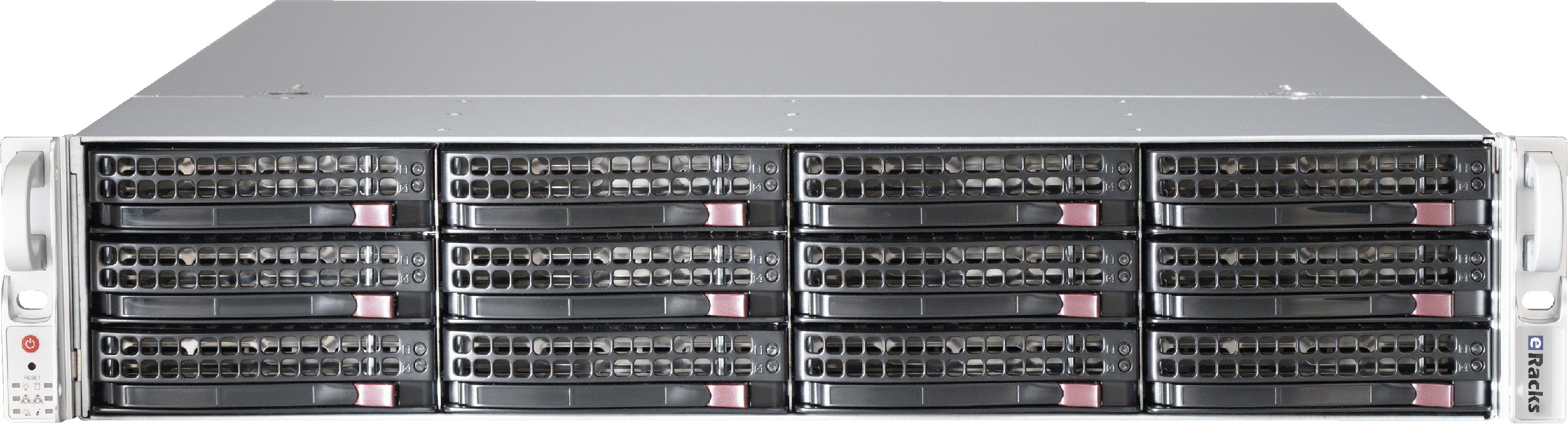
The 2026 drive and memory shortage has quietly broken a lot of storage price lists. Drives that vendors still advertise as standard are backorder-only at every national retailer. Memory prices moved 50 percent in a quarter. A configurator that hasn’t been re-checked against real supply this year is, politely, fiction.
So we re-verified our entire NAS line: every default component, checked against multiple named suppliers, for both price and actual in-stock availability. Here is what changed, and what it means if you’re shopping for storage this summer.
The 30TB drive problem
Our large NAS models used to default to the 30TB Seagate IronWolf Pro. It’s a fine drive, and it has become effectively unobtainable: backorder-only at the one national supplier still listing it, dropped from Seagate’s own current lineup, unavailable everywhere else we checked. Continuing to default to it would mean quoting systems we could not ship this week.
The fix: our high-capacity systems now default to the 24TB IronWolf Pro, in stock at multiple national retailers at about $35 per terabyte, and we added the 32TB IronWolf Pro, also in stock, at the top of the ladder at nearly the same cost per terabyte. Every drive in our NAS configurators remains CMR (conventional magnetic recording); we do not use shingled SMR drives, whose write performance collapses during the sustained writes of a RAID rebuild, exactly when you can least afford it.
ZFS RAIDZ2, now the default everywhere
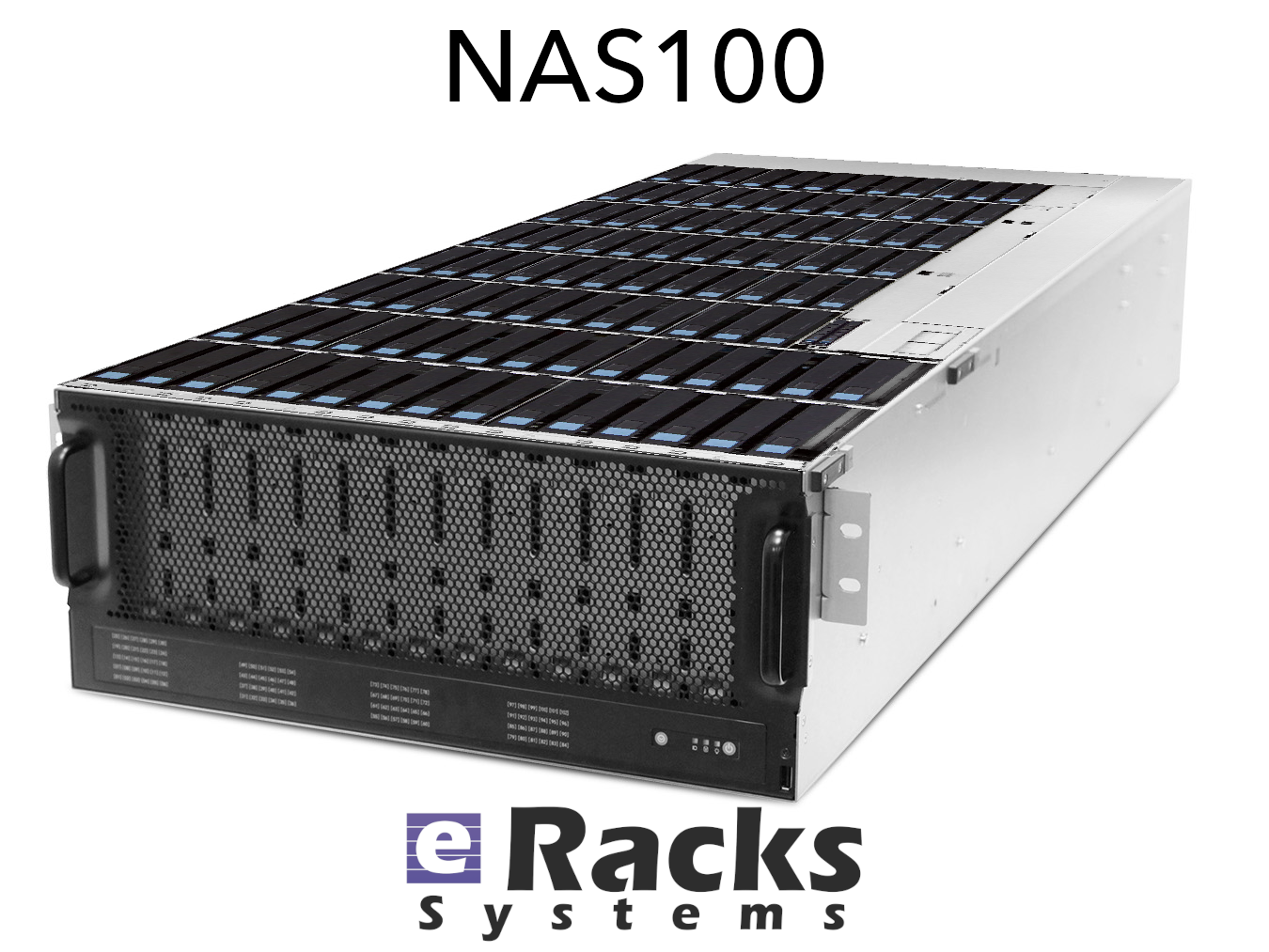
Every eRacks storage system, from the 1U four-bay NAS4 to the petabyte-class NAS100, now defaults to a ZFS RAIDZ2 pool: dual parity, meaning any two drives can fail without losing data. RAIDZ3 (triple parity) and striped mirrors (the performance-first layout) are right there in the dropdown, and traditional hardware RAID remains available for shops that require it, just never as a silent default.
Under every pool is an IT-mode HBA (a host bus adapter that passes drives directly to the operating system), because ZFS wants to see raw drives to do its end-to-end checksumming and self-healing. If you’re deciding between RAIDZ2, RAIDZ3, and mirrors, our free ZFS layout guide works through the math.
Prices that match what parts cost
Component costs moved, so prices moved: mid-size and large models are repriced to current reality (the NAS12 now starts at $8,995, the NAS72 at $25,995), and every price in the configurator reflects a component list we verified we can buy this week. The entry line held: the NAS4 still starts at $1,995 and the NAS6 at $2,995, now with 16GB of DDR5 standard and ECC memory available as an upgrade.
This is the same discipline we described on our refreshed Components We Use page: new parts only, authorized US distribution, multi-source price-and-availability checks before anything gets quoted, and a 72-hour burn-in before anything ships.
Browse the re-verified line at eracks.com/products/rackmount-nas-servers, or ask us to spec one for your workload, a human answers.
joe July 9th, 2026
Tags: CMR, drive shortage, IronWolf Pro, IT-mode HBA, NAS, RAIDZ2, supply chain, transparent pricing, TrueNAS, ZFS
eRacks Expands NAS Lineup: 11 Models, 4 Bays to 100 Bays, From $1,995
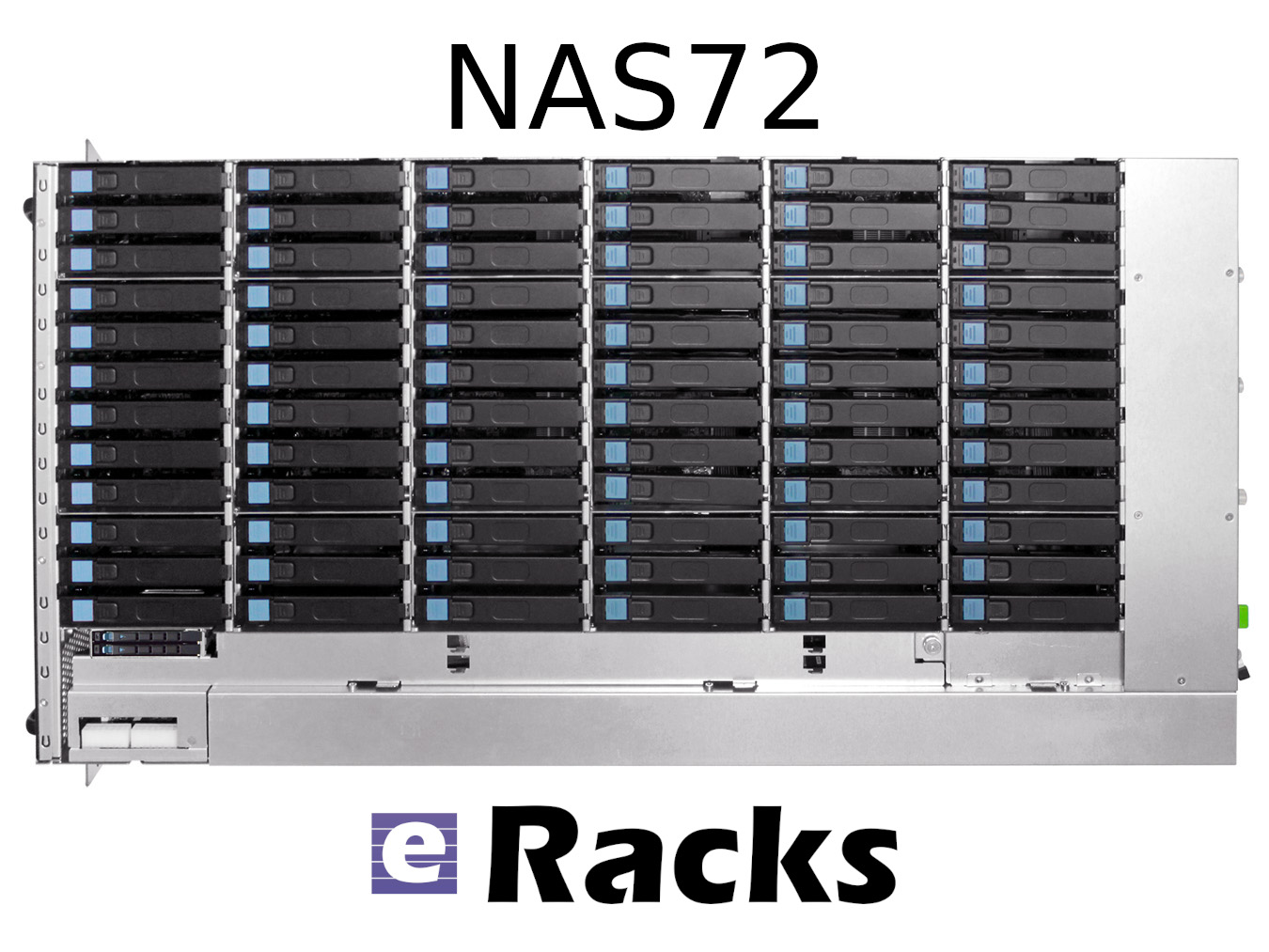
eRacks Open Source Systems has expanded its rackmount NAS server lineup to 11 models, spanning from the 4-bay NAS4 at $1,995 to the 100-bay NAS100 at $29,995. The expansion targets the accelerating cost pressure of cloud storage subscriptions versus on-premise alternatives, with full Linux, ZFS, TrueNAS, and Ceph support across the entire range – and zero per-TB licensing fees.
The math behind on-premise NAS in 2026
Storing 100 terabytes on Amazon S3 costs roughly $27,600 per year in standard-tier fees. The same 100 TB sitting on an eRacks NAS24 – 24 bays, ~480 TB raw capacity – is a one-time $8,995 purchase. Payback is under four months.
Then there are egress fees. A single 100 TB pull from AWS to your office costs around $9,000 just to get your own data back. Cloud storage made sense when the data was small. At terabyte and petabyte scale, the math has flipped.
The lineup at a glance
| Model | Bays | Form Factor | Price (starting) | Best for |
|---|---|---|---|---|
| NAS4 | 4 | 1U or desktop | $1,995 | Branch office, dev team |
| NAS6 | 6 | 1U | $2,995 | Small office, light backup |
| NAS8 | 8 | 2U | $4,995 | SMB primary file server |
| NAS12 | 12 | 2U | $5,995 | SMB with growth headroom |
| NAS16 | 16 | 3U | $6,995 | Mid-tier file + backup |
| NAS24 | 24 | 4U | $8,995 | Mid-enterprise (the bestseller) |
| NAS36 | 36 | 4U | $10,995 | Mid-large workloads, scale-out node |
| NAS50 | 50 | 4U top-load | $14,995 | Media production, surveillance |
| NAS60 | 60 | 4U top-load | $19,995 | High-density archive, large backup |
| NAS72 | 72 | 4U top-load | $24,995 | Broadcast, large-scale archive |
| NAS100 | 100 | 4U top-load | $29,995 | Petabyte-class, Ceph nodes |
Plus a parallel all-flash NAS lineup for performance-tier workloads: FLASH10 ($5,995), FLASH20 ($9,895), FLASH24 ($8,995), FLASH48 ($15,995), and FLASH72 ($19,985) – all-NVMe arrays for database backends, AI training datasets, virtualization storage, and any workload that needs IOPS rather than raw capacity.
Open source the whole way down
Every eRacks NAS ships with full Linux – not a locked appliance OS – and supports your choice of:
- ZFS with ECC RAM for data integrity
- TrueNAS Scale for the friendly web UI experience
- Ceph for clustered scale-out
- MinIO for S3-compatible object storage
- Nextcloud for private cloud file sharing
- OpenMediaVault for the lightweight option
- Proxmox if you want NAS + VMs in one box
No vendor licenses. No per-TB fees. Full root access. You own the OS, you own the data, you own the hardware.
Hardware standards across the line
ECC RAM as standard. Hot-swap drive bays throughout. Redundant power supply options on NAS12 and above. NVMe SSD caching on larger models for accelerated reads. 25 GbE networking on demand for AI training workloads, video production pipelines, and large-scale backup.
The lineup also scales without chassis replacement. A NAS50 shipping with 24 drives today expands to 50 as needs grow – no forklift upgrade required.
When does it pay off?
For most organizations storing more than 5 TB of business data, on-premise NAS is cheaper than cloud subscriptions in year one. For HIPAA-aligned healthcare deployments, law firms protecting privileged data, or any organization with data sovereignty requirements, on-premise is not just cheaper – it is the right architecture.
Custom-built since 1999
eRacks Open Source Systems has designed, built, and shipped custom Linux servers since 1999. Every system is configured to order, burn-in tested before shipping, and supported directly by engineers who built it. No call centers, no upsell scripts, no per-feature licensing.
Get a quote
The full NAS lineup is at eracks.com/products/rackmount-nas-servers. Contact us for a custom quote sized to your specific capacity, performance, and software-stack requirements.
joe April 29th, 2026
Posted In: Backups, Linux, NAS24, NAS50, NAS72, Storage
Tags: backup, Best-Practices, Cloud Storage Server, eRacks/NAS24, eRacks/NAS50, NAS, NAS24, NAS72, near-line storage, Storage, Storage Server